
Live cockpit
Your bike, live.
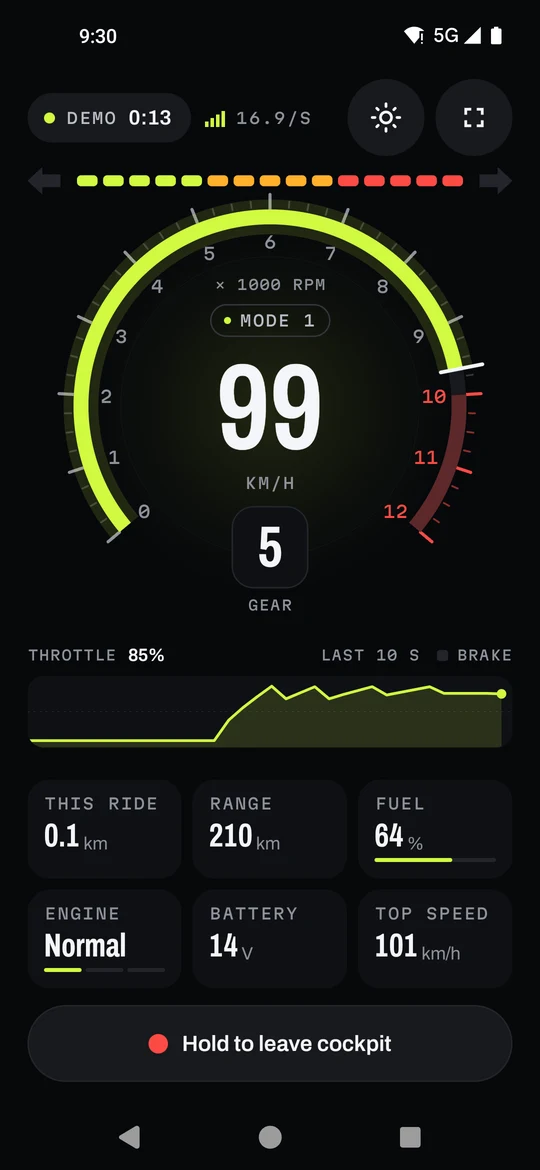
Speed, revs, gear and throttle, straight off the bike, with shift lights that build to the redline and then flash.
Motorcycle companion · Android & Wear OS
Twistgrip is the connected experience the TVS Apache RTR 310 deserves. It links up the moment you turn the key, turns everything the bike reports into a live cockpit, rides you can replay and real fuel costs, and stays silent between rides.
What it does
Live cockpit
Speed, revs, gear and throttle, straight off the bike, with shift lights that build to the redline and then flash.
Mounted mode
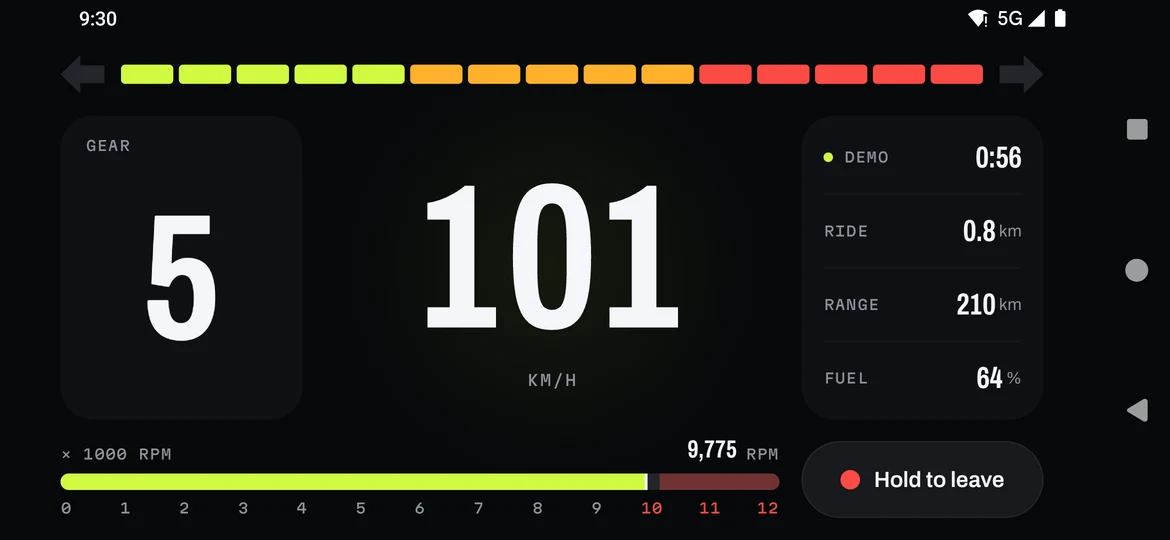
Turn the phone and the cockpit goes full width, with the screen kept on for the whole ride. Night, Sunlight and Auto themes keep it readable at noon and at midnight.
Ride replay
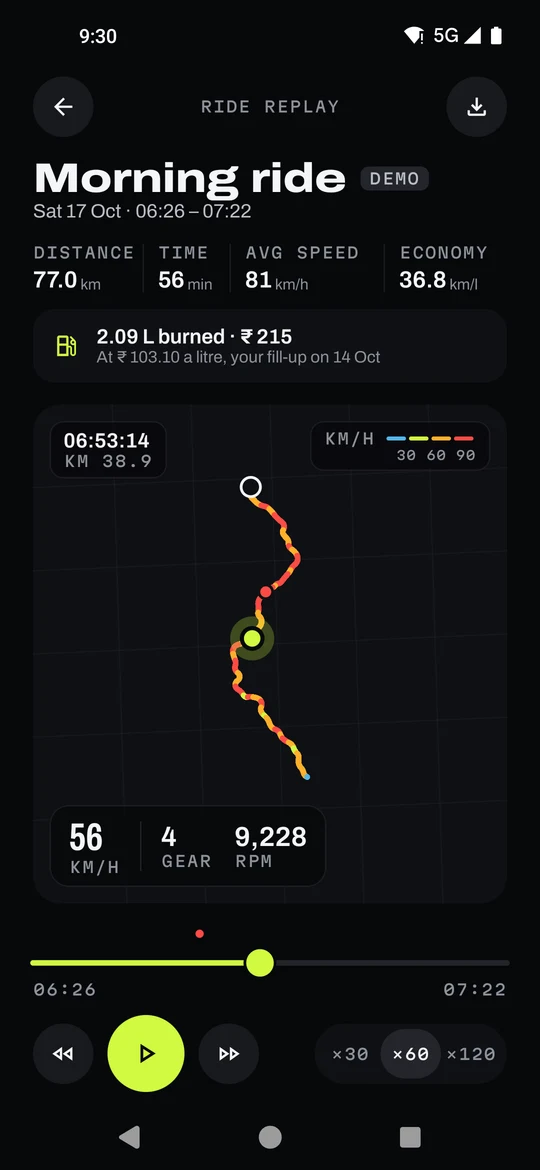
Rides record themselves when the engine starts. Scrub the route with speed, gear and revs, second by second.
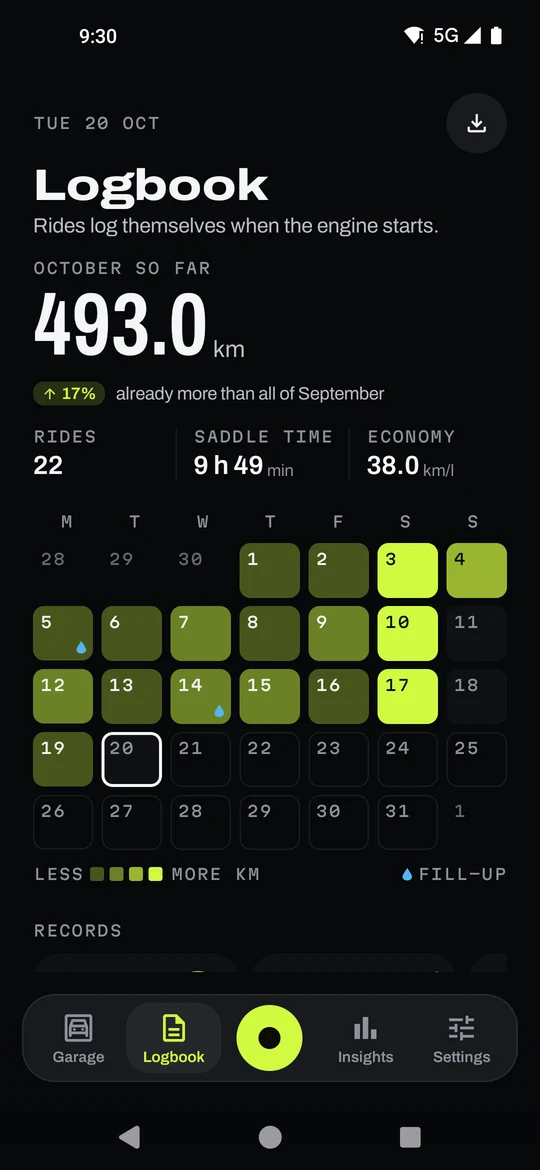
Logbook
A monthly calendar, your records, and a CSV export when you want the numbers somewhere else.
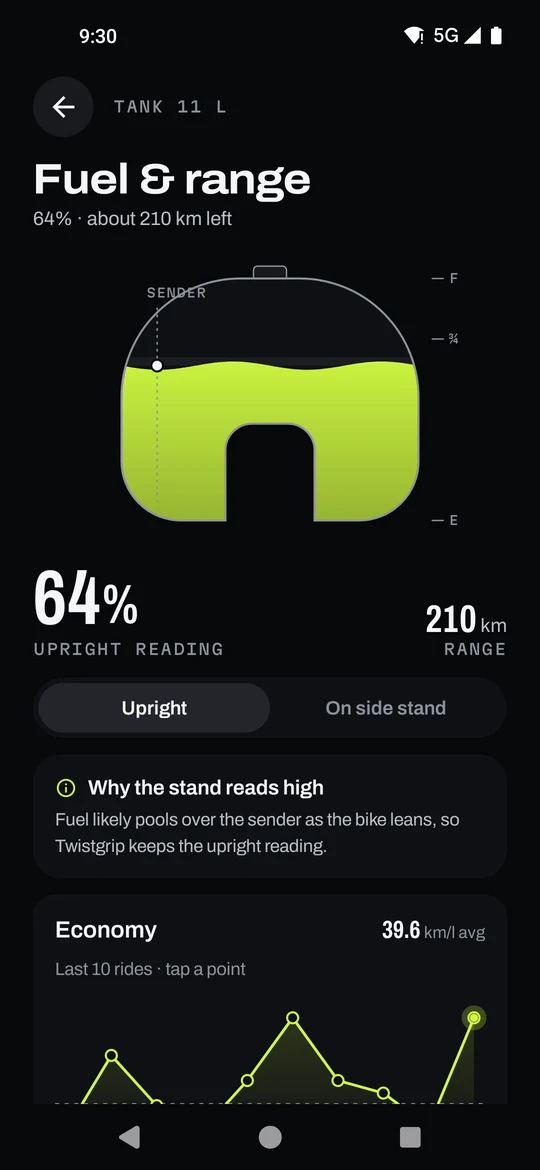
Fuel
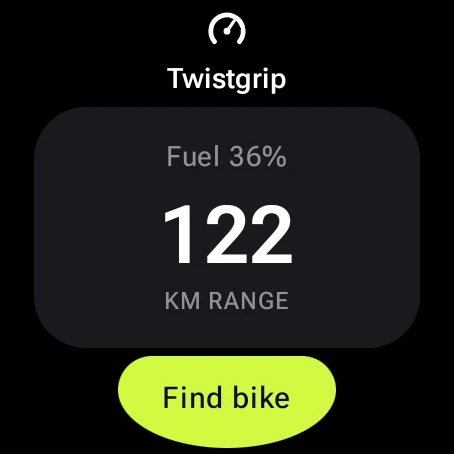
Fuel and range with a stand-aware reading, and the litres and rupees each ride burned, priced from your fill-ups.
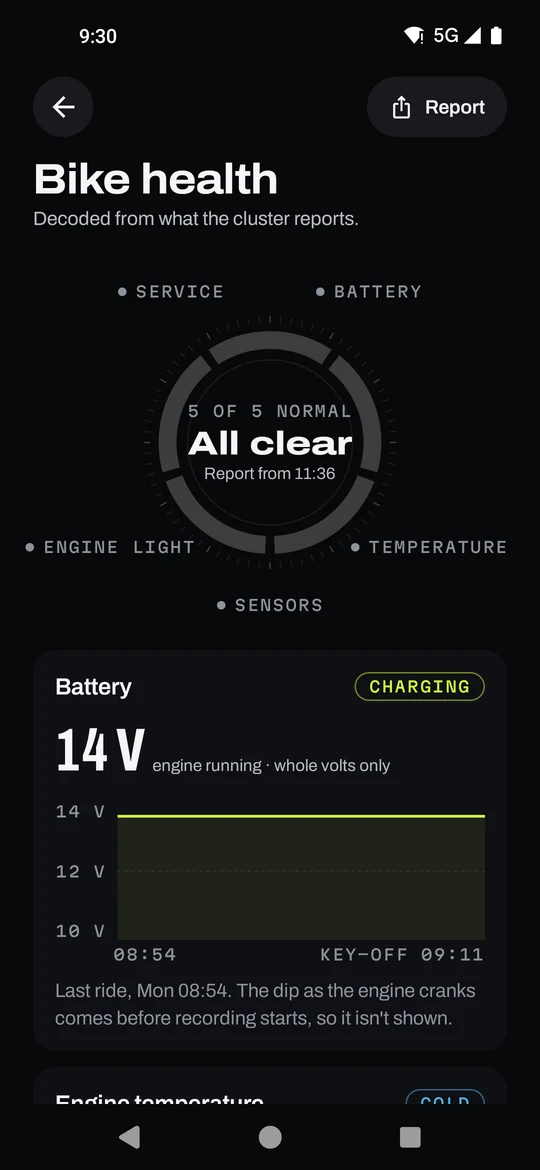
Bike health
Battery, engine temperature and fault lights, decoded from the cluster. Alerts for an indicator left on, low fuel, or walking away with the key on.
Automations
Switch on ride events and Tasker, MacroDroid or Samsung Routines can act on them: start a playlist when the bike connects, log the ride's cost when it ends. Your name goes on the bike's welcome screen, with the time and who's calling.
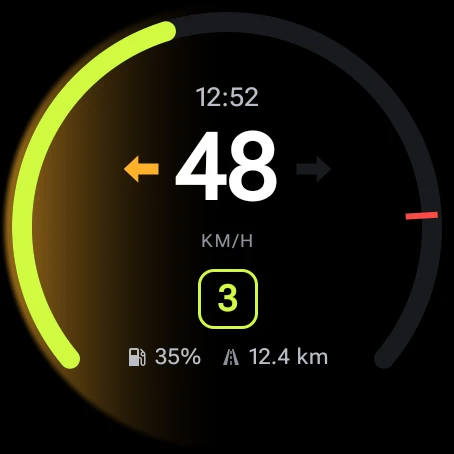
On your wrist
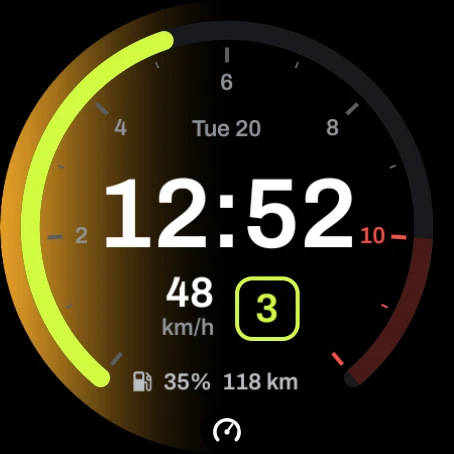
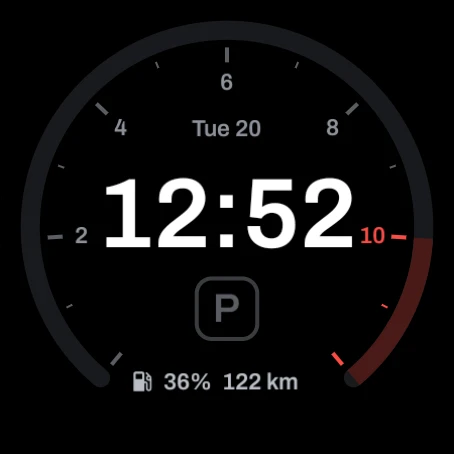
On Wear OS, the ride screen shows speed, gear, revs and the time, and your indicators glow in from the edge of the watch, so a blinker left on is hard to miss.
Private by design
Routes, speeds and fill-ups live in the app's own storage, and aren't backed up to any cloud.
Nothing to sign up for, and no analytics or advertising code in the app.
Automation events never carry where you are. Location is used for your routes and parking spot, on the phone.
No bike nearby?
The demo bike invents a ride, so you can try every screen before you pair your own.
Free and non-commercial, built for educational purposes by Arun Prakash. Why I built it